

Viewing History
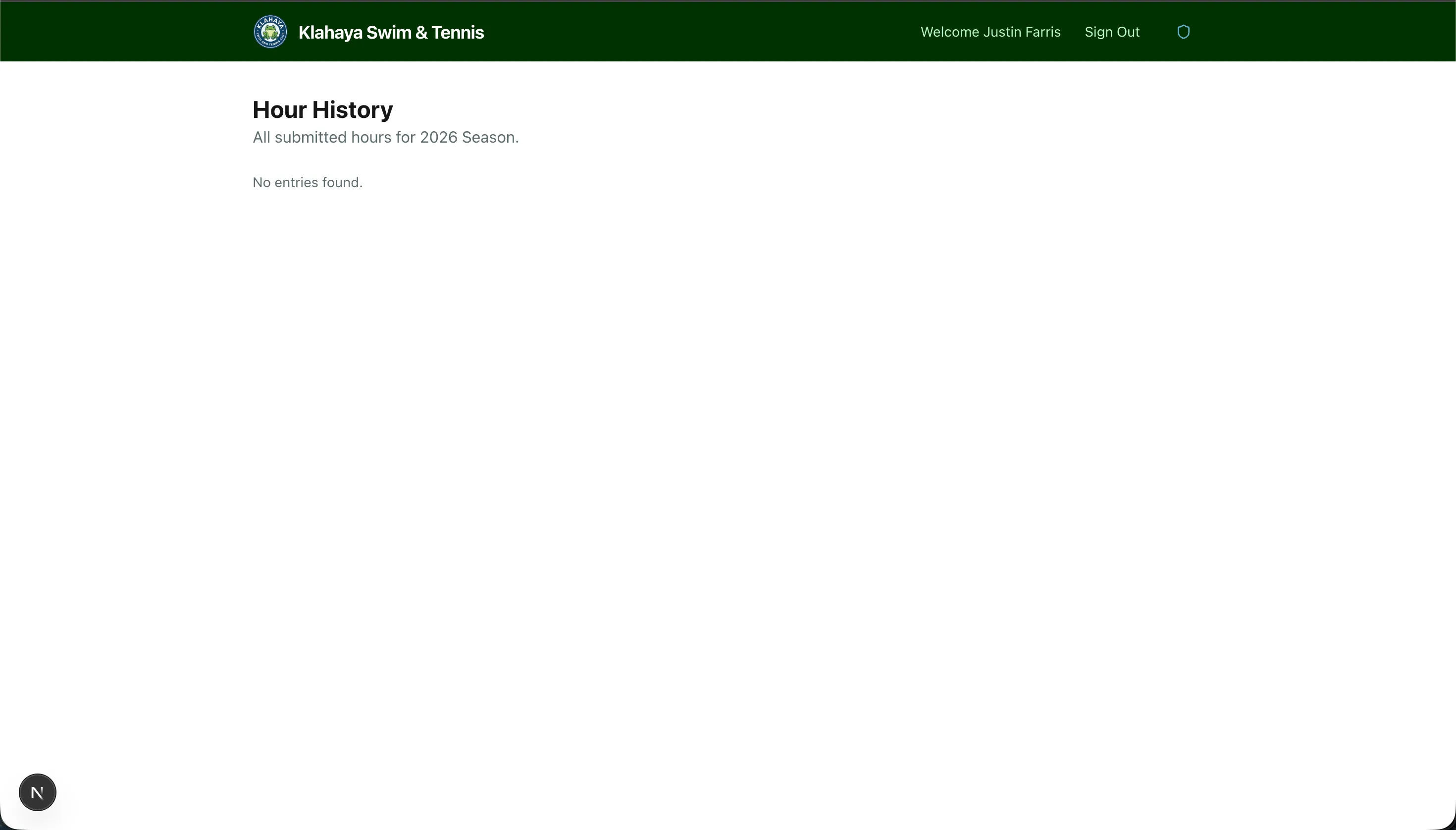
The Hours tab of the Volunteering page shows all volunteer hours your family has logged for the current season.
Viewing Your Entries
Section titled “Viewing Your Entries”- From Home, open Volunteering and stay on the Hours tab
- The Recent Entries card lists your latest entries. Click View All to expand the full list, which shows:
- Date — When the hours were logged
- Hours — Number of hours
- Description — Your notes about what was done
Deleting an Entry
Section titled “Deleting an Entry”If you made a mistake, you can delete an entry:
- Find the entry in the expanded list
- Click the Delete button on that entry
- Confirm in the Delete entry? dialog