

Browsing Teams
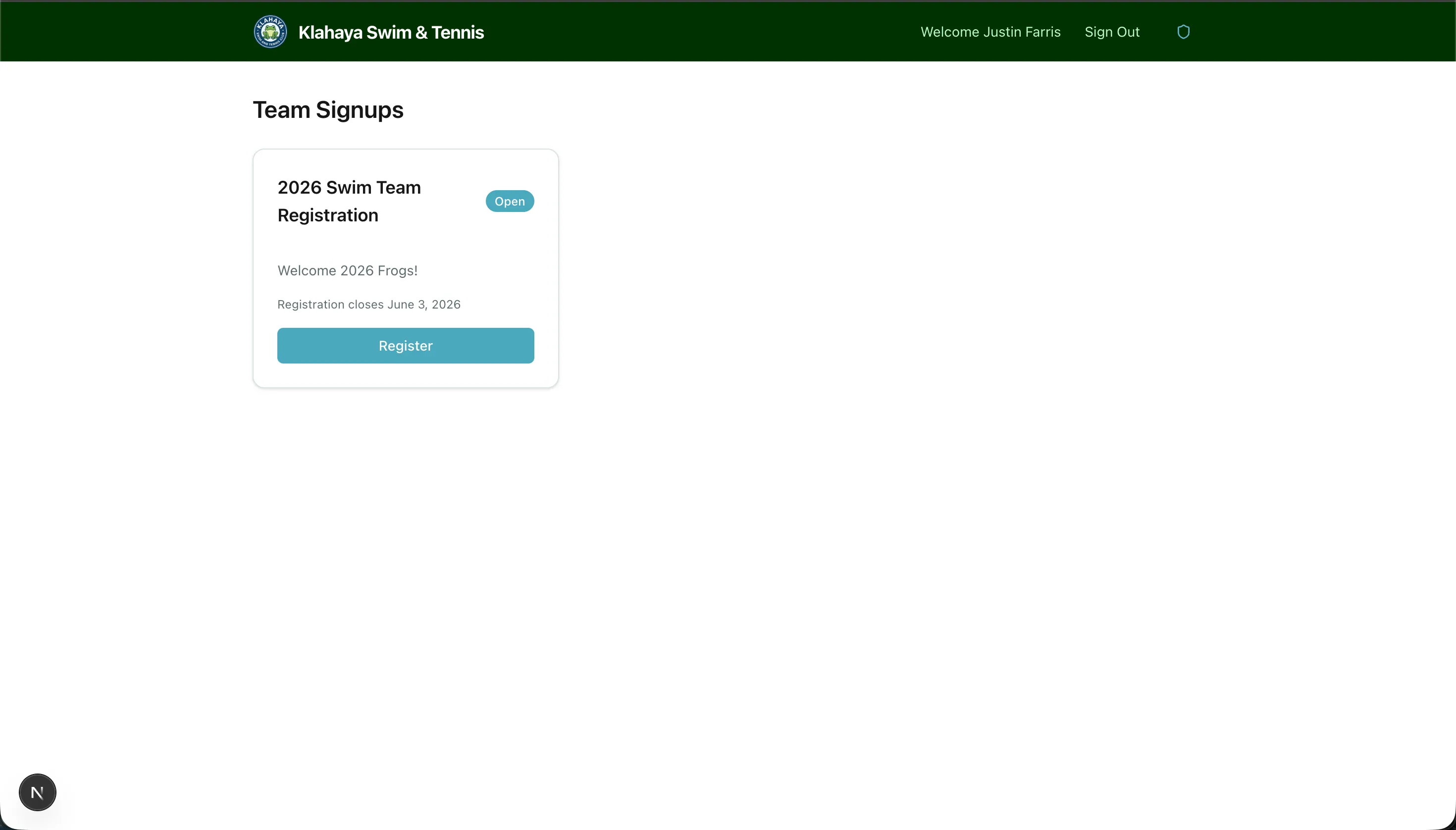
When team registration is open, you can browse the available teams from Home or from the Team Signups page.
How to Browse
Section titled “How to Browse”- From Home, open the Team Signups row. It shows how many registrations are currently open for your family.
- The Team Signups page shows one card per team (for example, Swim Team, Tennis Team, Water Polo). Each card shows:
- The team’s title and the first line of its description
- An Open or Closed badge
- Registration closes — the last day to register, when the club has set one
- Click Register on an open team to start the signup wizard. Closed teams show a disabled Registration Closed button.
Teams You Don’t See
Section titled “Teams You Don’t See”The club can target a signup form at specific account types. If a form is limited to account types your family isn’t in, it doesn’t appear on the Team Signups page, the count on Home doesn’t include it, and a direct link to it shows “This registration isn’t available for your account type.”
Your Existing Signups
Section titled “Your Existing Signups”Once your family has at least one registration, a My Signups button appears at the top of the Team Signups page with the number of registrations in parentheses. It opens My Team Signups, where you can review and edit what you submitted — see Managing Registrations.