

Family Members
Anyone in your family can be registered for lessons — roster members (children and other dependents without a login) and adults who hold their own login.
Viewing Family Members
Section titled “Viewing Family Members”- Navigate to Lessons > Family Members
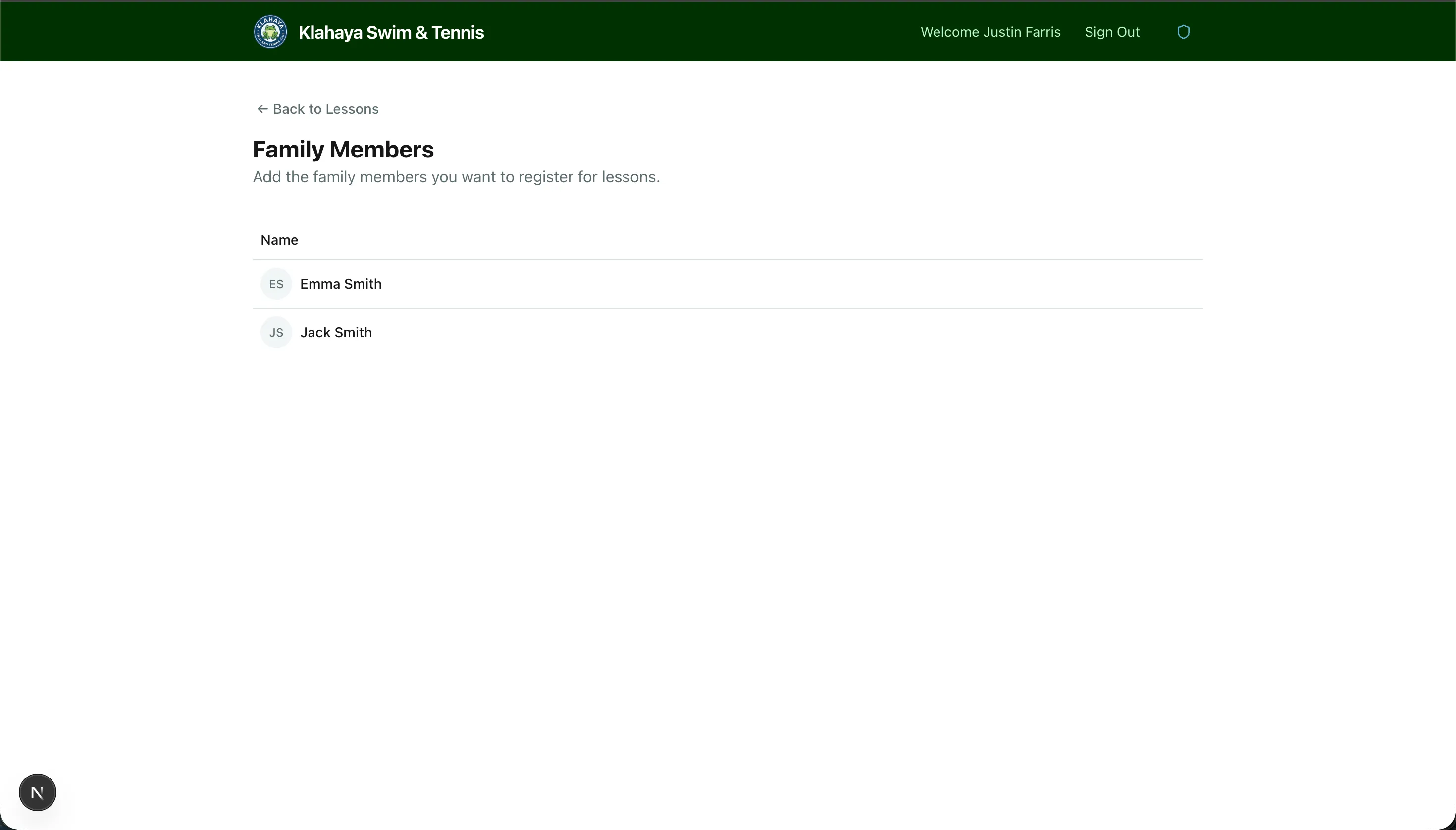
- You’ll see the people on your family roster
When you register for a class, the Participant picker lists both roster members and login-holders in your family. Each person appears once.
Adding Someone
Section titled “Adding Someone”The Family Members page (“Add the family members you want to register for lessons.”) lets you add roster members your account type allows. If a member type carries a fee, the fee is shown and collected when you add them. In the registration dialog itself, an Add a new person button appears only when a free member type is available to you.