

Classes & Pricing
Classes are the individual offerings that members register for within a session.
Creating a Class
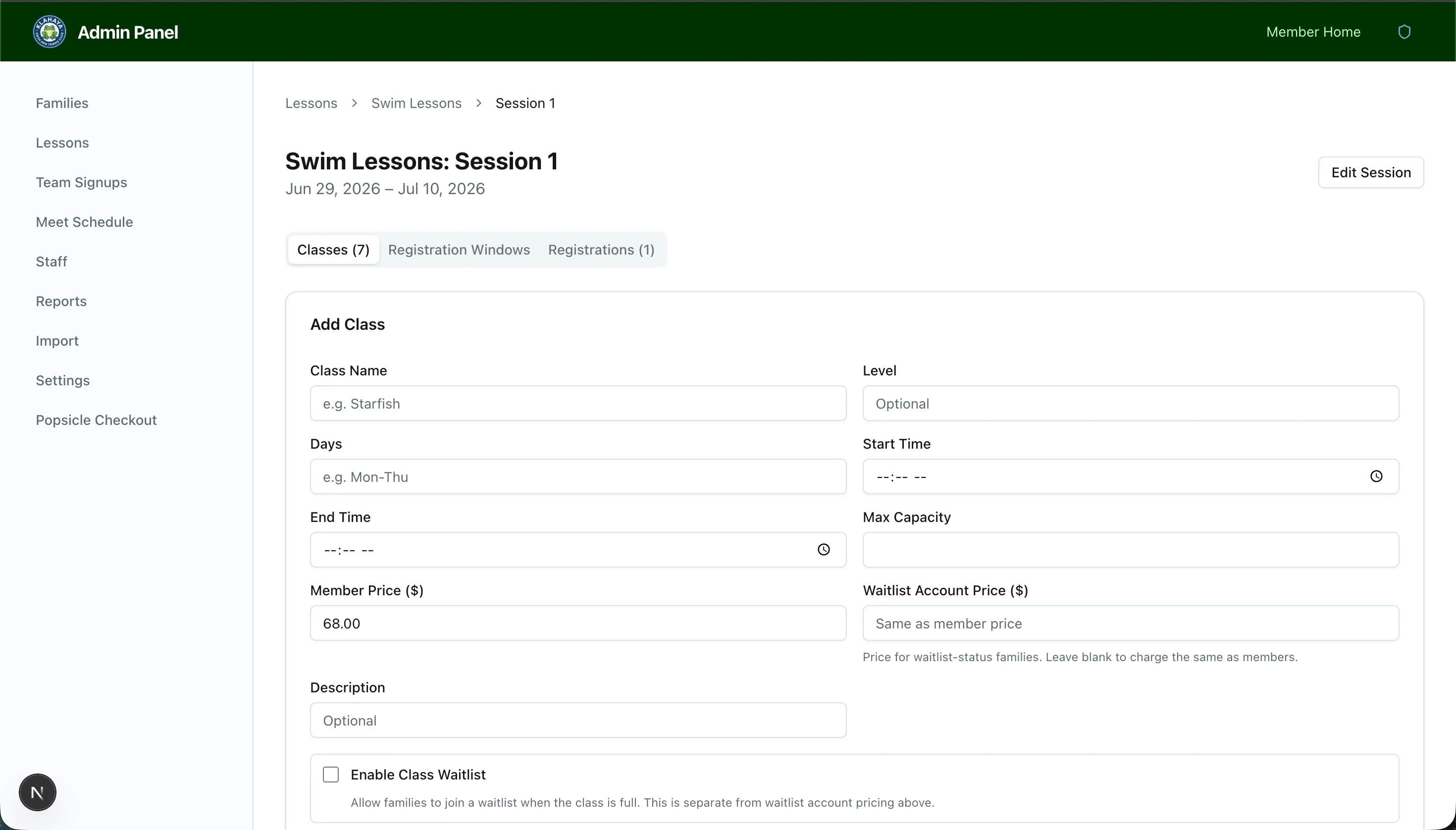
Section titled “Creating a Class”- Open the session (via Admin panel > Lessons > Program > Session) on the Classes tab
- Fill in the class form:
- Class Name and Level
- Days (e.g., “Mon-Thu”), Start Time and End Time
- Max Capacity
- Member Price ($) — the default registration fee
- Account-type prices (optional) — one field per account type; leave blank to charge the Member Price
- Description
- Waitlist settings (see Waitlist Configuration)
- Save the class
The Class List
Section titled “The Class List”Classes are listed in time-slot order (earliest start first), then by level, which is the same order members see. Times display in 12-hour format (“1:00 PM–1:30 PM”). The Account Prices column shows any per-type overrides (e.g. “Waitlist $85.00”) or Same, and the Class Waitlist column shows Auto, Manual or Off.
Click Edit to change any field, or Delete to remove the class — deleting cancels all of its registrations.
Per-Account-Type Pricing
Section titled “Per-Account-Type Pricing”The price a family pays is resolved from its account type for the class’s season: if you’ve entered a price for that type, it applies; otherwise the Member Price does. The resolved price is what the member sees on the class list, what the cart and checkout charge, and what the admin booking dialog previews.
Sales Tax
Section titled “Sales Tax”Lesson purchases can carry sales tax. Configure the rate and display mode (added on top, or included in the price) in the Lesson Tax card under Admin panel > Settings > Payments. Tax applies to member cart checkout, admin direct bookings and in-person lottery charges alike, and appears as its own line on receipts.