

Meet Reminders & Roster Cutoff
Two settings at the bottom of Admin → Meet Schedule control the emails the portal sends around meets: the weekly reminder to families, and the roster cutoff that decides when a late opt-in/opt-out change should notify the coaches.
Where the Settings Live
Section titled “Where the Settings Live”Both cards sit under the meet list on Admin → Meet Schedule (jump there with ⌘K → “Meet Reminders” or “Roster Processing Cutoff”). They are no longer under Admin → Settings.
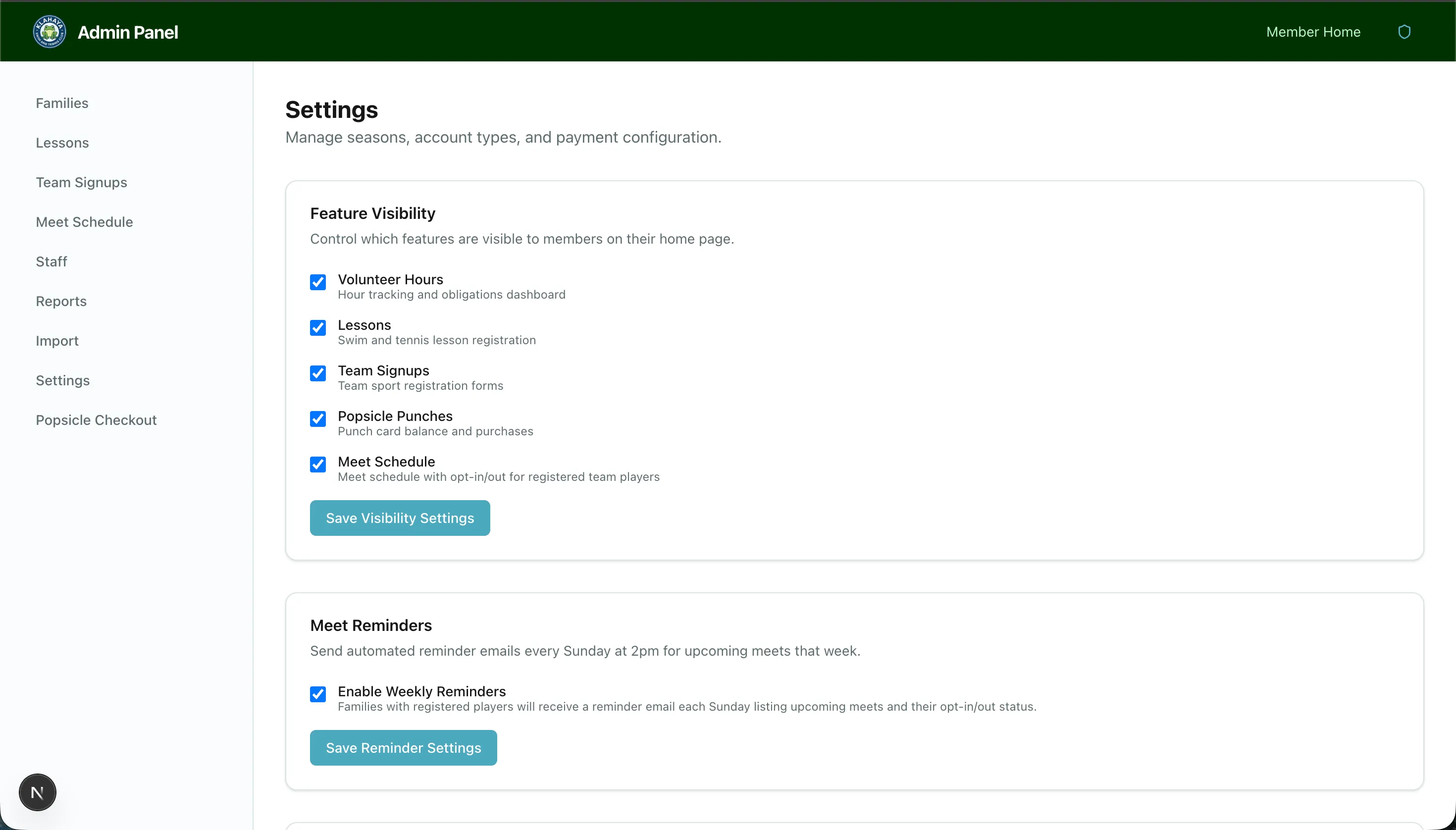
Meet Reminders
Section titled “Meet Reminders”The Meet Reminders card has one checkbox, Enable Weekly Reminders. Click Save Reminder Settings after changing it.
When enabled, the portal sends an email every Sunday at 2pm Pacific to every family with a player on a paid registration for a meet in the coming Monday-to-Sunday week. The email:
- Is titled “Upcoming meets this week — …” with the meet titles
- Lists each meet’s date, time, and location, and each of the family’s players as Opted In or Opted Out
- Ends with a View Meet Schedule button
Each family receives one reminder per meet, so re-running the job never sends duplicates. Off by default.
Roster Processing Cutoff
Section titled “Roster Processing Cutoff”The Roster Processing Cutoff card records when coaches process each week’s rosters:
- Day of week — default Sunday
- Time (Pacific) — default 21:00
Click Save Cutoff. For any meet, the cutoff is that day and time in the week before the meet’s Monday-to-Sunday week. Until the cutoff, opt-in/opt-out changes just update the roster. After it:
- Members see “The roster for this meet has already gone to the coaches — any change you make now will notify them directly” on the meet (on the website and in the Klahaya app)
- Every change — by a family or by an admin — immediately emails the team’s Coach notification emails with the subject “Late roster change: Player Name OUT — Jun 20, View Ridge @ KLA”, the meet details, an Open Roster Sheet button if the meet has a linked Google Sheet, and a link to the meet in the portal
- Changes to meets that have already happened never count as late
Coach addresses are set per team on the form’s configuration page — see Form Setup. A form with no coach emails gets no late-change notifications.