

Logging Hours for a Family
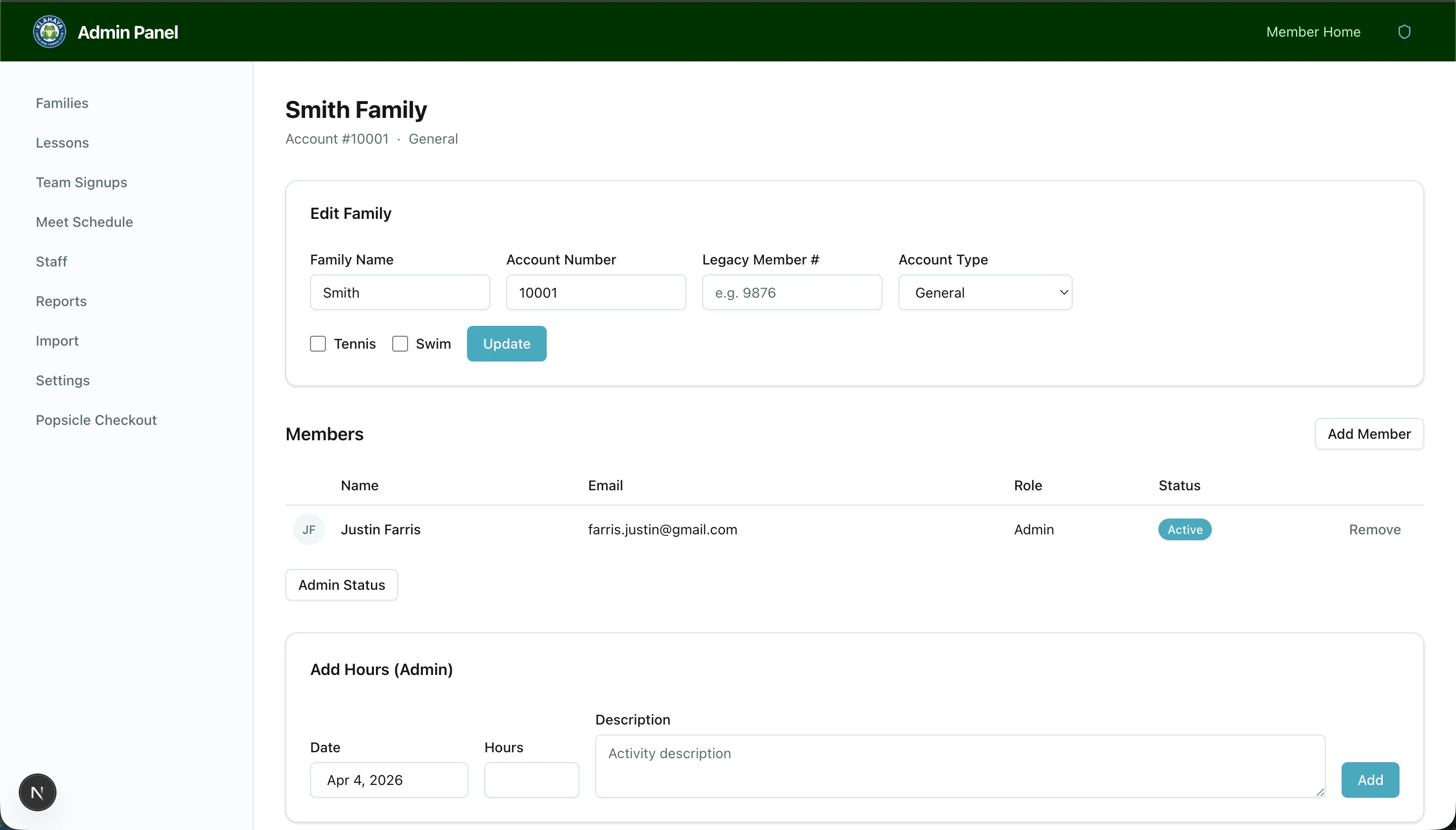
Admins log volunteer hours on behalf of any family from the Volunteering tab of the family’s detail page. The tab appears only while a season is active.
How to Log Hours
Section titled “How to Log Hours”- Navigate to Admin > Families, click View on the family, then open the Volunteering tab
- In the Volunteer hours card, click Add hours
- Fill in:
- Date — When the volunteering took place (defaults to today)
- Hours — Number of hours, in quarter-hour steps
- Description — What was done
- Click Add
The entries table below lists Date, Member, Hours and Description for the season.
Activity enrollment
Section titled “Activity enrollment”The Volunteer Activities card on the same tab shows which season activities (Swim, Tennis and so on) the family is enrolled in, and the resulting requirement: Required: N h base (account type) + N h Swim … = N h total. Click Edit, tick or untick activities, and click Save. The total updates live as you change the boxes.