

Waitlist Offers
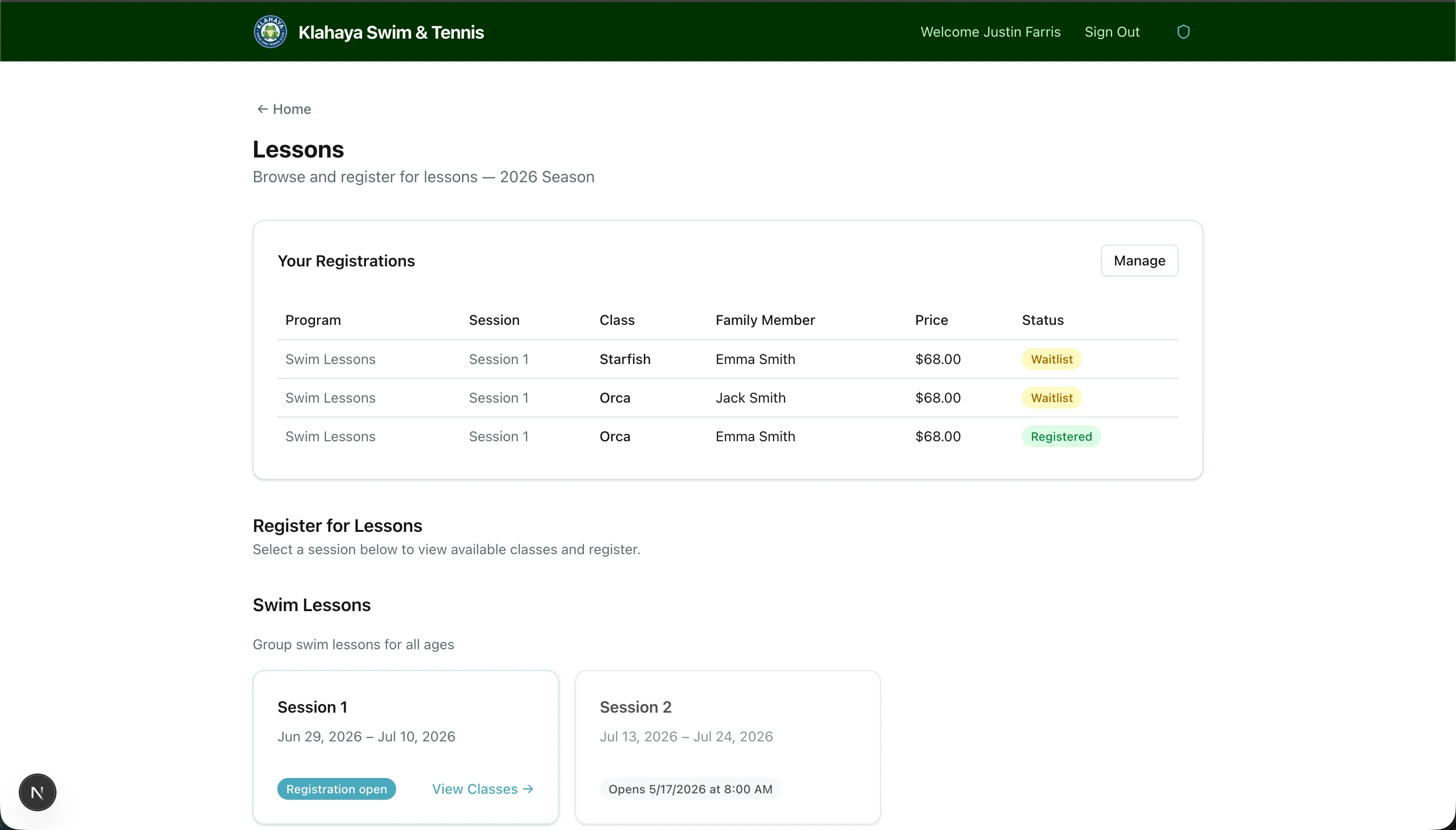
When you join a waitlist for a full class, you’ll receive an email offer when a spot opens up.
How the Waitlist Works
Section titled “How the Waitlist Works”- You join the waitlist for a full class
- When a spot opens (someone cancels, or the club sends an offer), the first person on the waitlist receives an email offer — and a push notification if you use the Klahaya app
- The offer includes a unique link and is valid for 24 hours
- You can accept or decline the offer
Accepting an Offer
Section titled “Accepting an Offer”- Click the link in the waitlist offer email
- The A spot opened up! page shows the class, days, time, who it’s for, and how long you have (“Offer expires in N hours”)
- Click Confirm Registration to claim the spot — you’ll be taken to Manage Registrations
No payment is taken when you accept; the spot is simply registered.
Declining an Offer
Section titled “Declining an Offer”- Click the link in the email
- Click No thanks, remove me from the waitlist and confirm — the spot is offered to the next person on the waitlist right away
What Happens If You Don’t Respond
Section titled “What Happens If You Don’t Respond”If you don’t accept or decline within 24 hours, the offer expires automatically and the spot is offered to the next person in line. You’ll see Offer Expired if you open the link later.
In the Klahaya App
Section titled “In the Klahaya App”Tapping the offer notification opens the Lesson spot screen with the same details and a Respond by time. Tap Accept spot to register, or Decline and leave waitlist to pass the spot on. Your registrations screen also shows a Spot available — respond by [time] button while an offer is live.