

Payment
Team signups use the same checkout as the rest of the portal: if your family has a card on file, you pay in one click; otherwise you’re sent to Stripe.
What You’ll See on Review & Pay
Section titled “What You’ll See on Review & Pay”The Review & Pay step lists your contact info, each player (with League Age, category, and shirt size where applicable), and any gear you ordered. Below that is the price breakdown:
- One line per player, at your price tier
- One line per gear item
- Sales tax as its own line, showing the club’s tax rate
- The total
The club absorbs card processing fees — there is no processing fee line, and the total you see is exactly what your card is charged. Team gear is taxed at the same rate as the registration fee.
Paying With a Card on File
Section titled “Paying With a Card on File”If your family has a saved card, the step shows the card brand and last four digits and a Pay $X button. Clicking it charges the card immediately (“Charging your card…”), clears your saved draft, and takes you to the checkout confirmation page for the payment.
Paying Through Stripe
Section titled “Paying Through Stripe”Without a saved card, the step says “You’ll be redirected to Stripe to pay securely” and the button reads Continue to payment.
- Click Continue to payment
- Enter your card details on the Stripe Checkout page
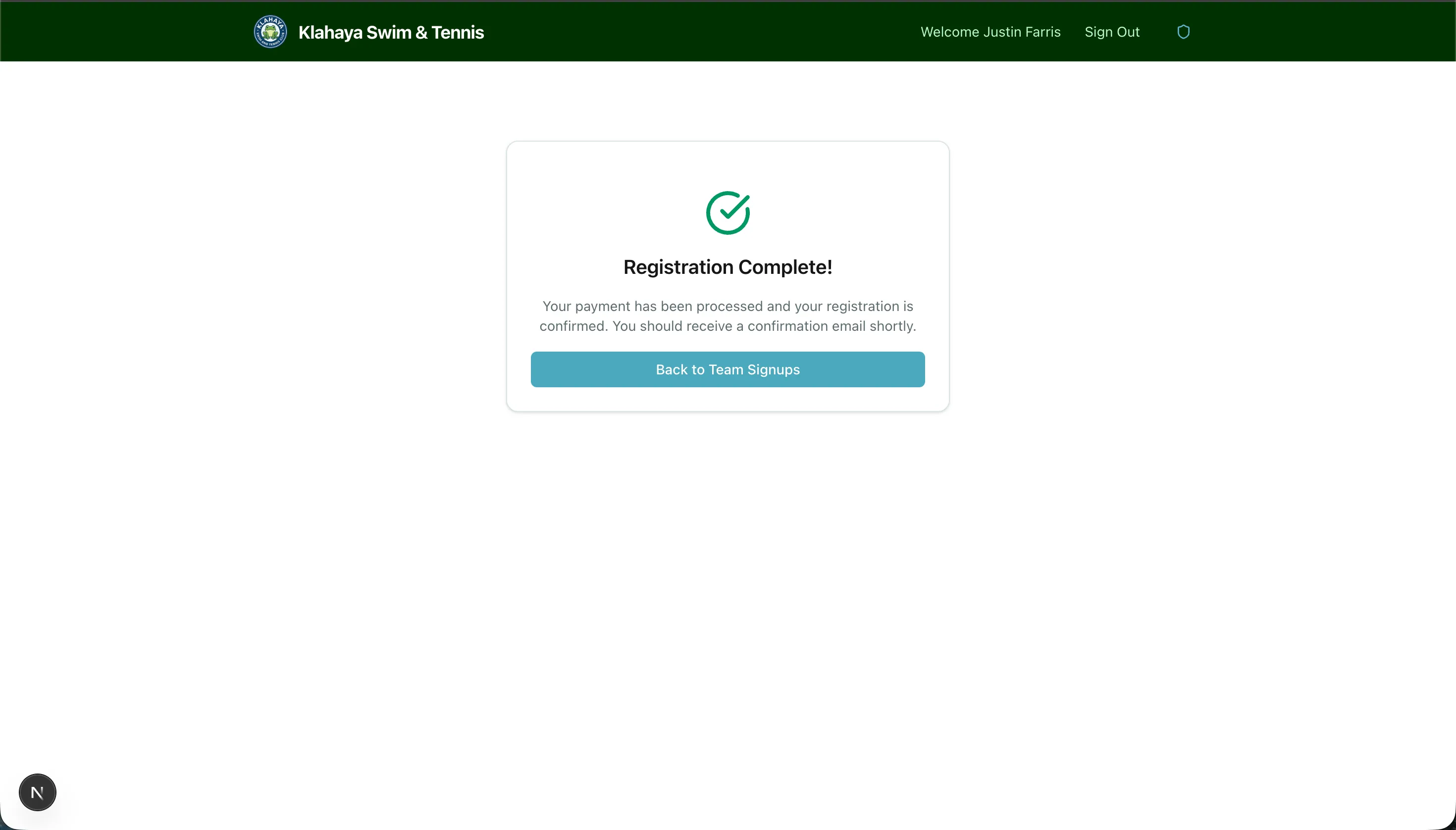
- Complete the payment — you land back on the portal’s confirmation page
If you back out of Stripe, you return to the wizard with a “Payment cancelled — your registration was saved” notice. Everything you entered is still there; review it and pay again when you’re ready.
After You Pay
Section titled “After You Pay”- A receipt email arrives with the same breakdown, including the tax line.
- The registration shows as paid under My Team Signups (see Managing Registrations).
- If the club has linked the form to a volunteer activity, your family is automatically enrolled in it for the season, and your volunteer-hour requirement updates to match. You’ll see the change on your Volunteer Hours page.
- Your players start appearing on the Meet Schedule once meets are posted.