

Viewing History
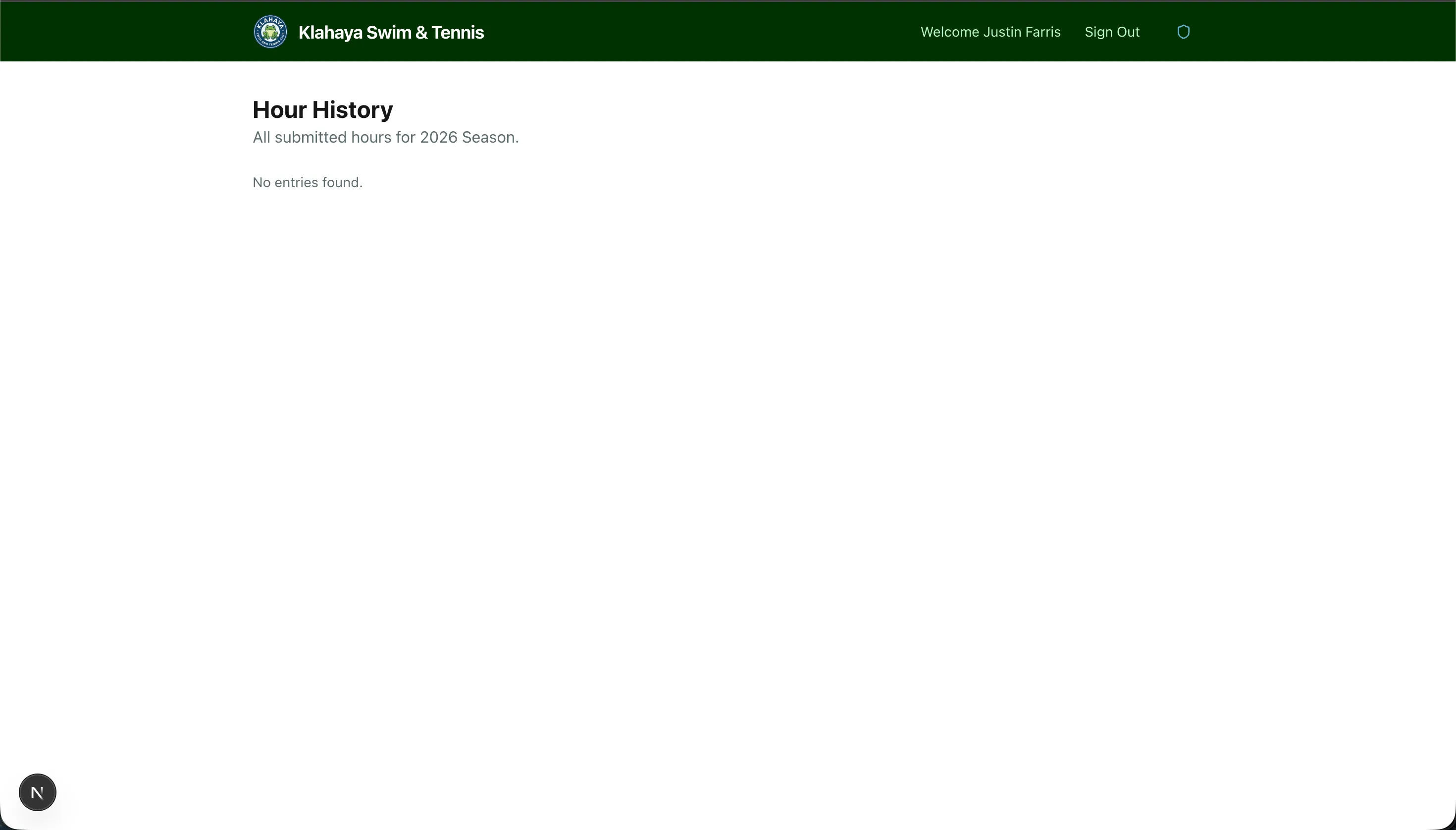
The hour history page shows all volunteer hours your family has logged for the current season.
Viewing Your Entries
Section titled “Viewing Your Entries”- From the Dashboard, click View History or navigate to the history page
- You’ll see a list of all entries with:
- Date — When the hours were logged
- Hours — Number of hours
- Activity — The volunteer activity type
- Description — Your notes about what was done
Deleting an Entry
Section titled “Deleting an Entry”If you made a mistake, you can delete an entry:
- Find the entry in your history list
- Click the Delete button on that entry
- Confirm the deletion