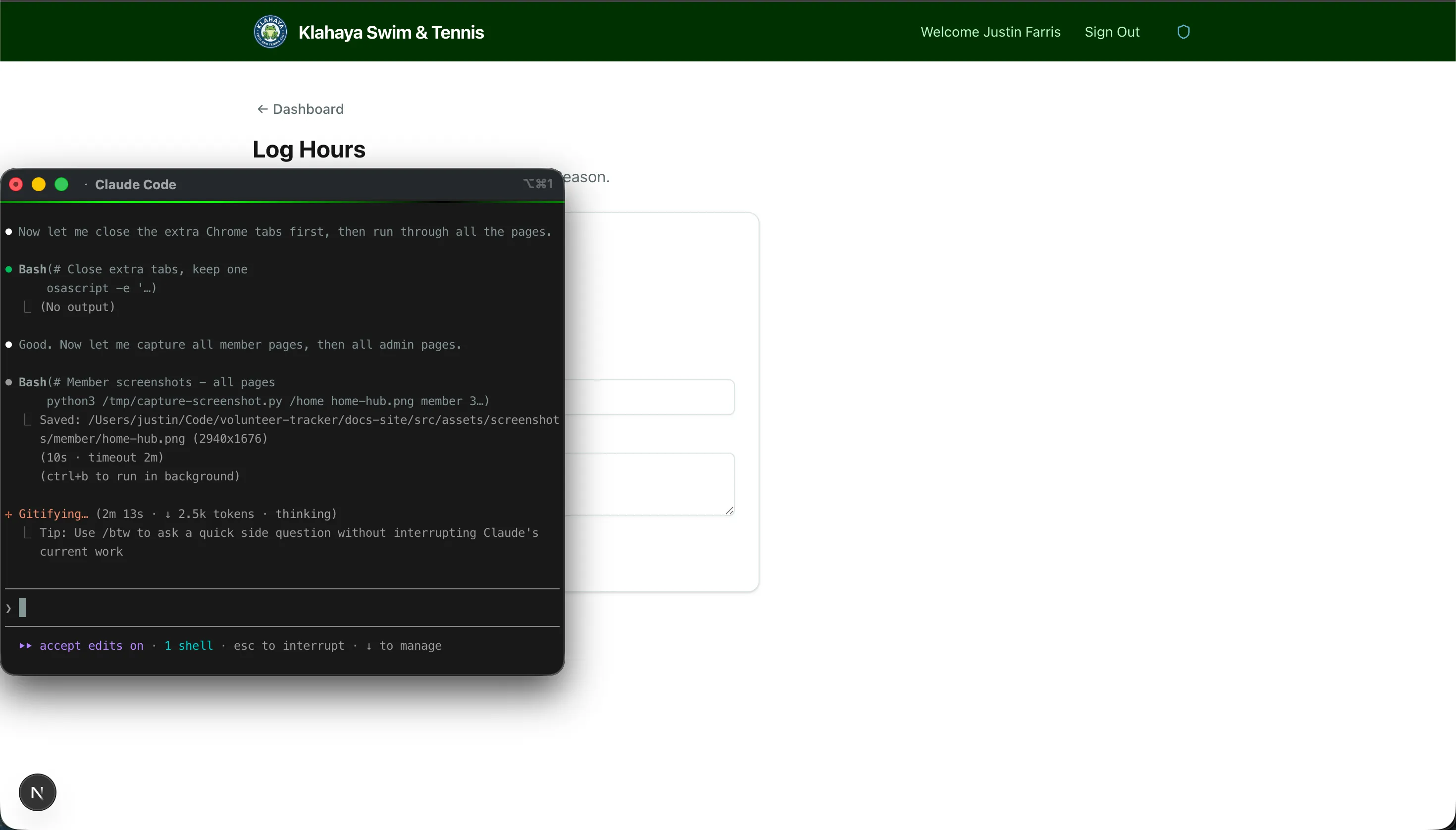
Logging Hours
Members can log their own volunteer hours through the dashboard. Each entry is associated with your family and the current season.
How to Log Hours
Section titled “How to Log Hours”- From the Dashboard, click Log Hours
- Fill in the form:
- Date — When the volunteering took place
- Hours — Number of hours worked
- Activity — What type of volunteering (e.g., Pool Maintenance, Event Setup)
- Description — Brief note about what you did
- Click Submit