Registration Steps
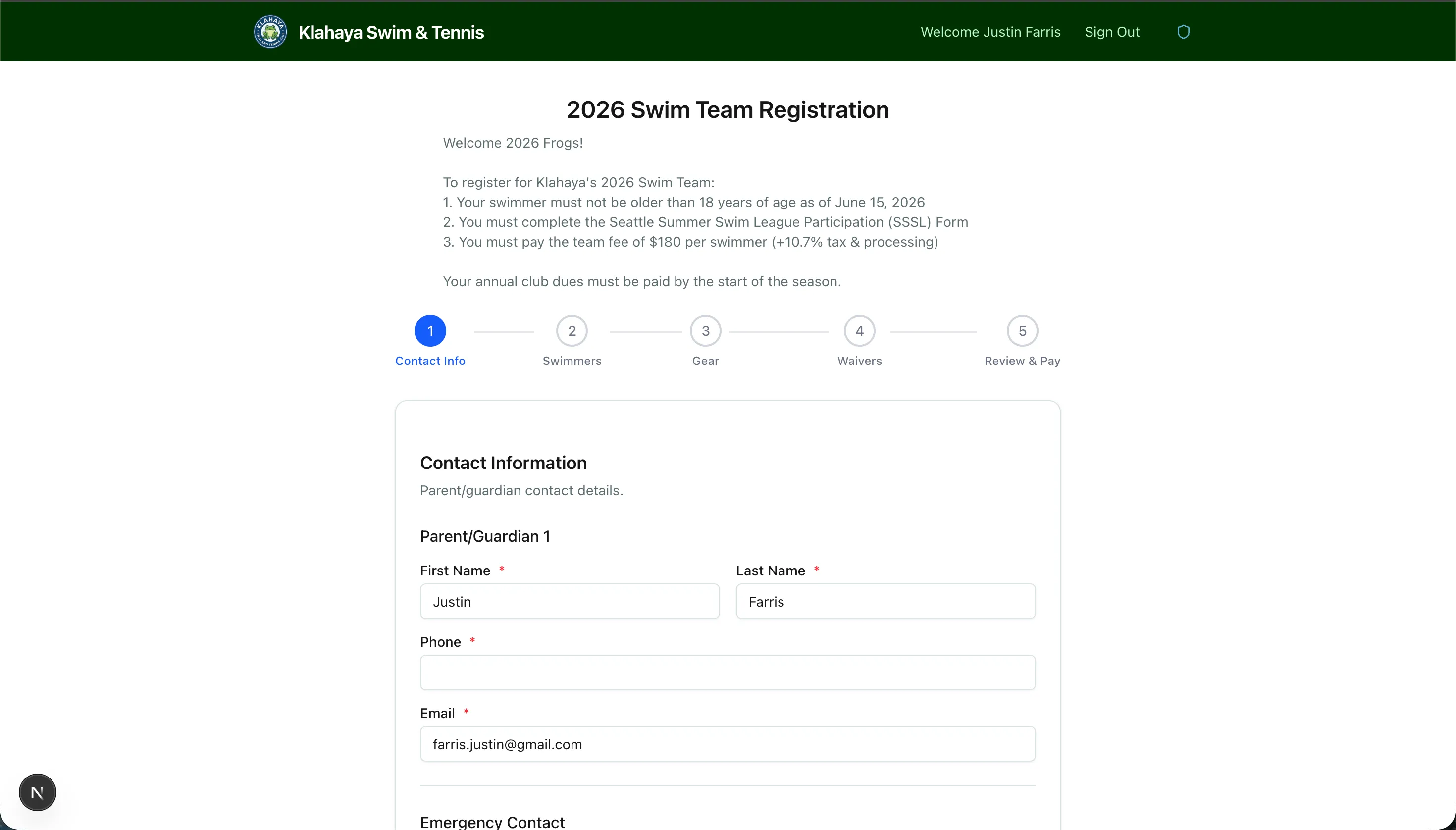
Team registration is a multi-step form that collects all the information needed for your family’s participation.
Step-by-Step Process
Section titled “Step-by-Step Process”Step 1: Guardian Information
Section titled “Step 1: Guardian Information”- Enter the primary guardian/parent contact details
- Name, email, and phone number
Step 2: Player Details
Section titled “Step 2: Player Details”- Add each player (child) you want to register
- For each player, you’ll provide:
- Name and age
- League age (if applicable)
- T-shirt size
- Any other custom fields configured by the admin
Step 3: Waivers
Section titled “Step 3: Waivers”- Review and accept any required waivers
- You must read the full waiver text before you can accept
- All required waivers must be accepted to proceed
Step 4: Review & Pay
Section titled “Step 4: Review & Pay”- Review all the information you’ve entered
- See the total cost based on number of players and your pricing tier
- If a gear store link is available, you can visit it to order team gear
- Click Proceed to Payment to complete registration