Viewing Meets
Once your family is registered for a team, you can view the meet schedule for that team’s season.
How to View Meets
Section titled “How to View Meets”- From the Home Hub, click the Meet Schedule card, or navigate to the Meet Schedule page
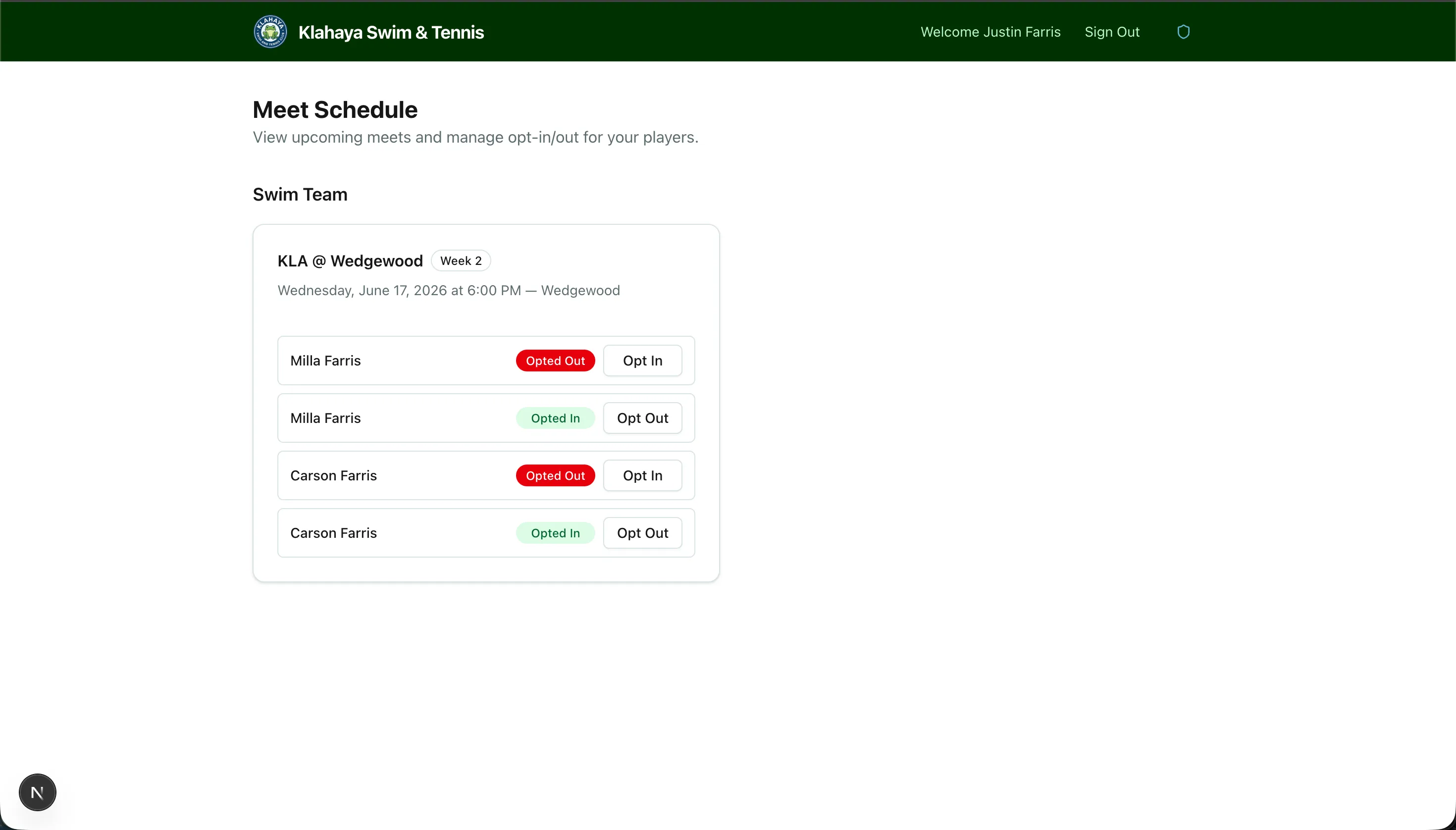
- You’ll see a list of upcoming meets for your team(s), showing:
- Meet title (e.g., “Week 1 vs. Highlands”)
- Date and time
- Location
- Home or Away indicator
- Your players’ opt-in/out status