

Opting In & Out
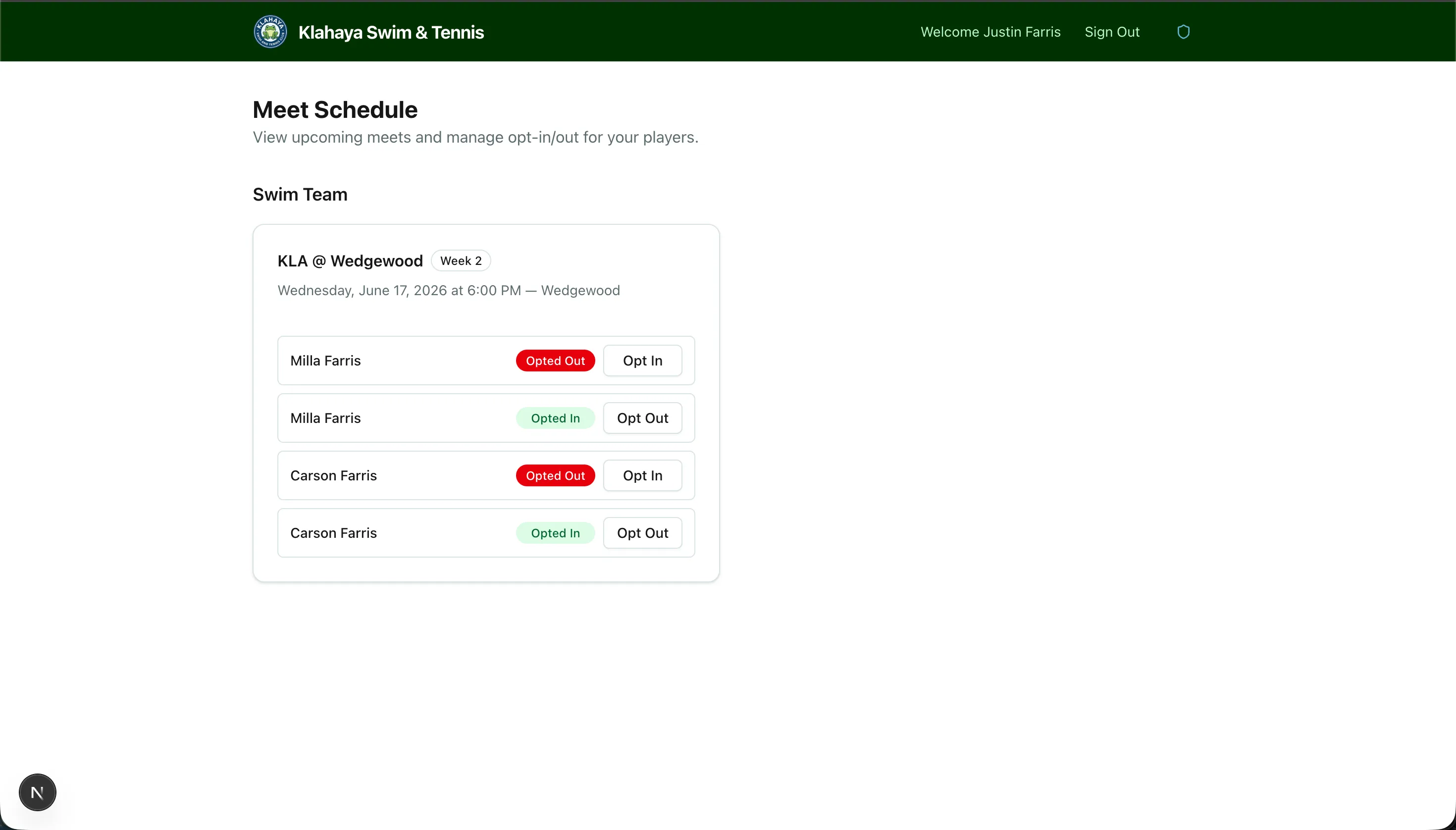
If a meet allows opt-outs, you can toggle each of your registered players in or out for that meet.
How to Opt Out of a Meet
Section titled “How to Opt Out of a Meet”- Navigate to the Meet Schedule page
- Find the meet you want to manage
- For each of your registered players, toggle the opt-out switch
- Players are opted in by default
- Toggle to opt out if your child cannot attend
Changing Your Mind
Section titled “Changing Your Mind”You can toggle a player back to opted-in at any time before the meet — simply toggle the switch again.