

Registering for a Class
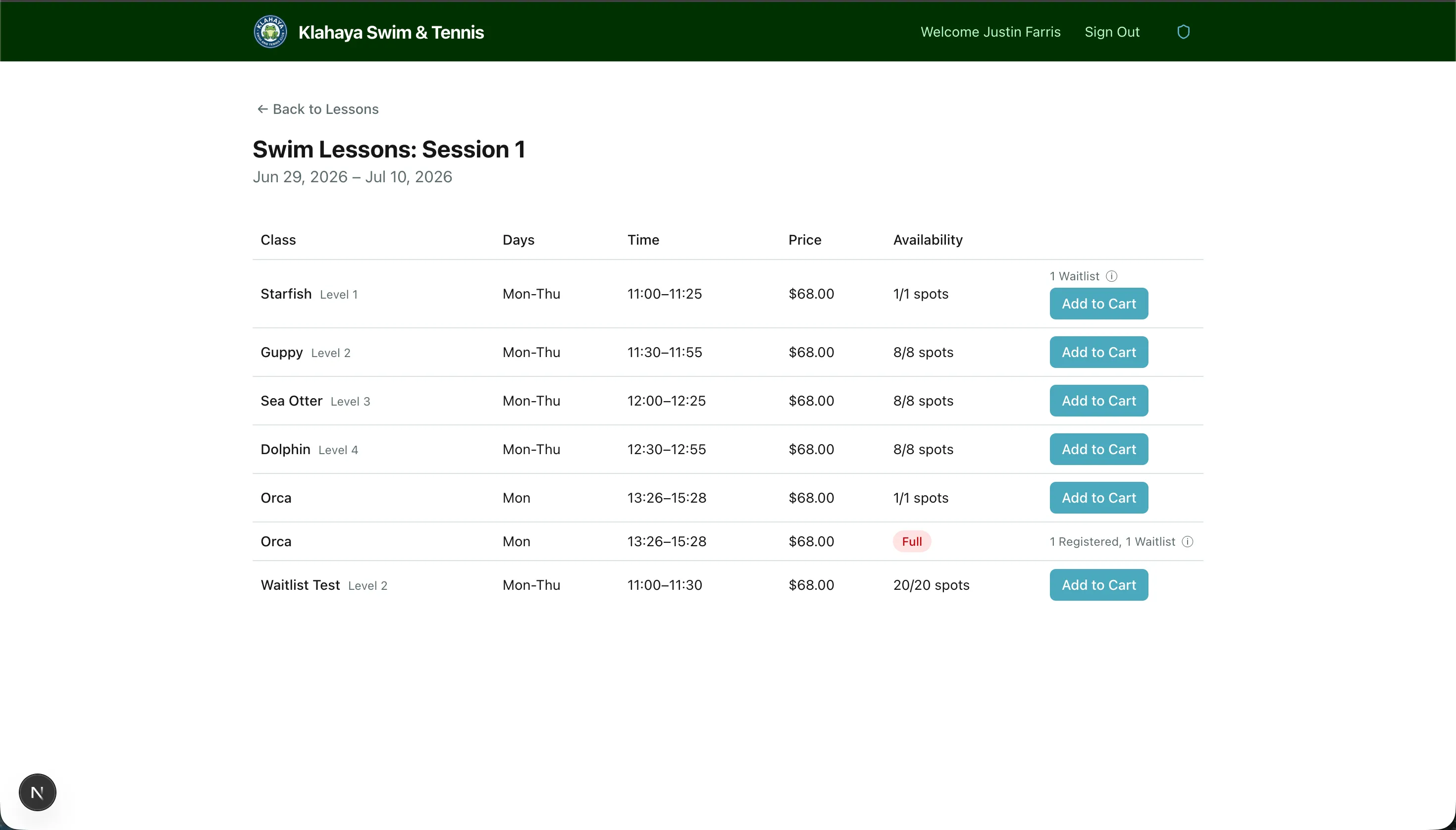
Once you’ve found a class with available spots, you can register your family members.
How to Register
Section titled “How to Register”- Navigate to the class you want (via Programs > Session > Class)
- Click Register
- Select the family member you want to register (your children/dependents)
- Confirm the registration
If the Class is Full
Section titled “If the Class is Full”If a class has no spots remaining but has waitlist enabled:
- You’ll see a Join Waitlist button instead of Register
- See Waitlist Offers for how the waitlist works