

Managing Registrations
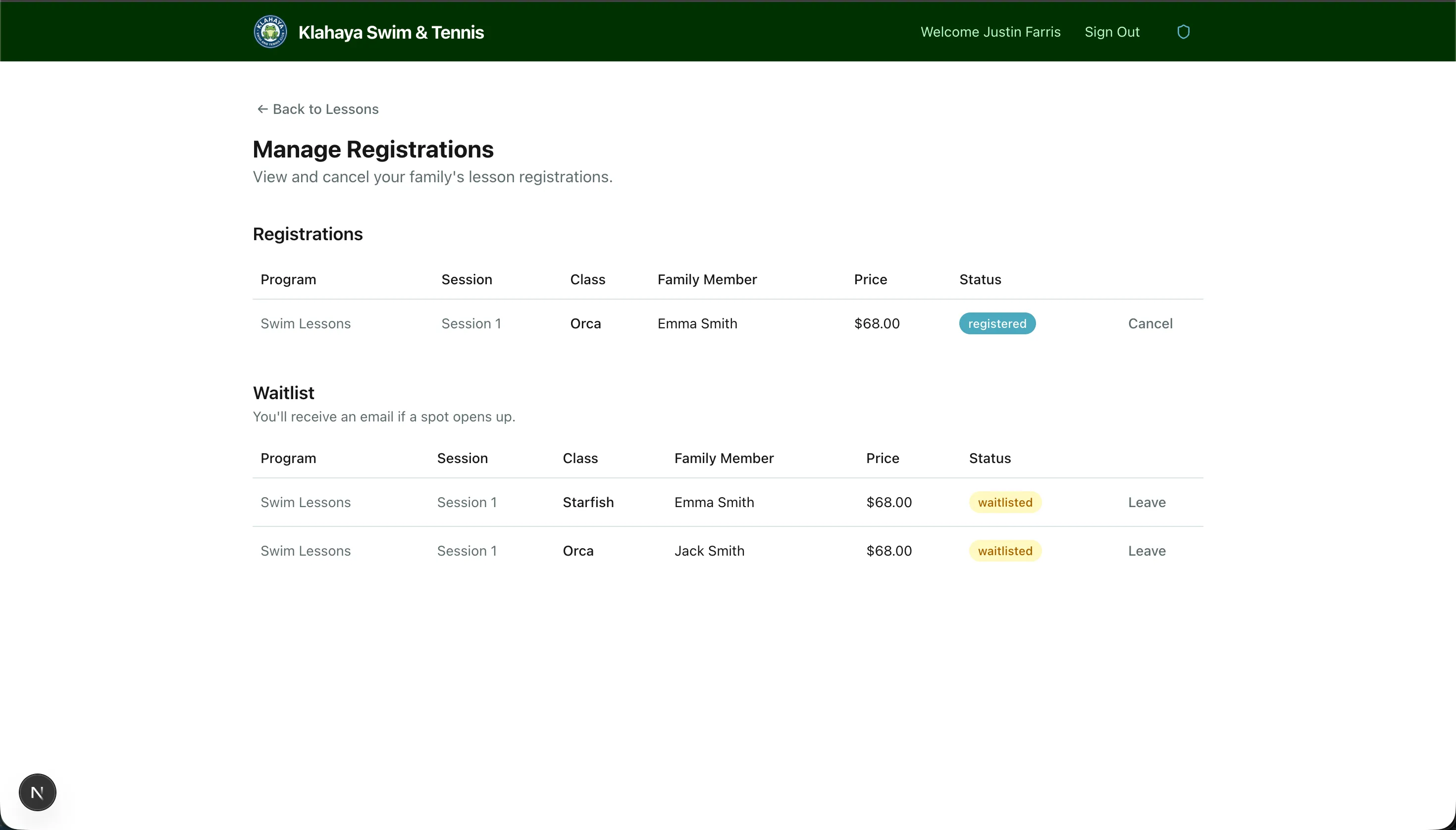
The My Registrations page shows all of your family’s current lesson registrations.
Viewing Registrations
Section titled “Viewing Registrations”- Navigate to Lessons > My Registrations
- You’ll see a list of all registrations grouped by family member, showing:
- Class name and schedule
- Status — Registered, Paid, Waitlisted, or Cancelled
- Waitlist position (if applicable)
Cancelling a Registration
Section titled “Cancelling a Registration”- Find the registration you want to cancel
- Click Cancel Registration
- Confirm the cancellation
Leaving the Waitlist
Section titled “Leaving the Waitlist”If you’re on a waitlist and no longer want to wait:
- Find the waitlisted registration
- Click Leave Waitlist
- Confirm — you’ll be removed from the queue