

Cart & Checkout
When you register for lessons that have a fee, they’re added to your cart for checkout.
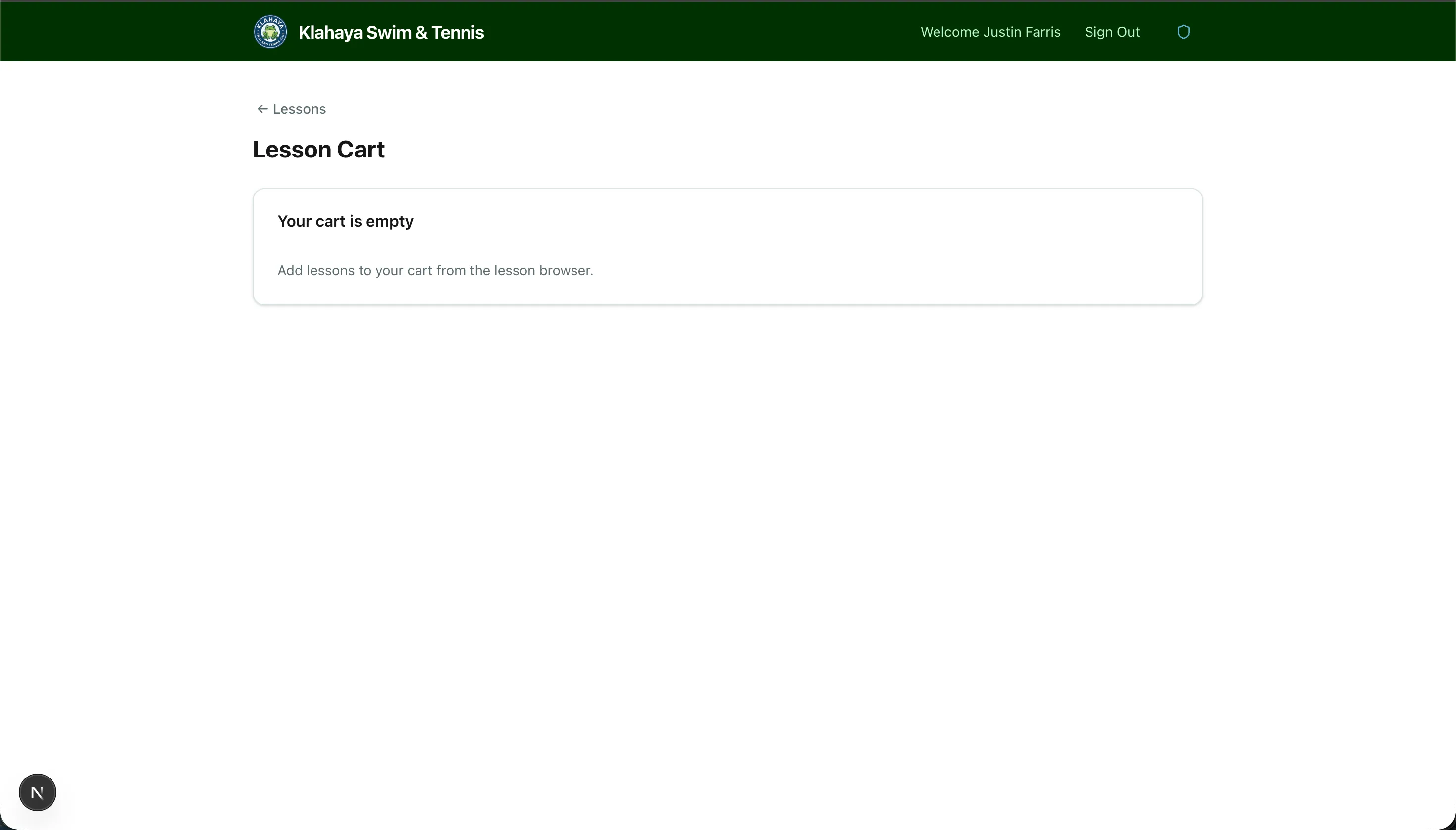
Viewing Your Cart
Section titled “Viewing Your Cart”- Navigate to Lessons > Cart
- You’ll see all pending lesson registrations with their prices
- Review the total amount
Checking Out
Section titled “Checking Out”- Review your cart items
- Click Checkout
- You’ll be directed to a secure Stripe payment page
- Complete payment with your credit or debit card
- After payment, you’ll be redirected back to the portal with a confirmation
Using a Saved Payment Method
Section titled “Using a Saved Payment Method”If you have a card saved on file:
- The checkout may offer a one-click payment option using your saved card
- No need to re-enter card details
See Payment Methods for managing your saved cards.