

Seasons
Seasons define the time period for volunteer hour tracking, lesson registration, and team signups.
Creating a Season
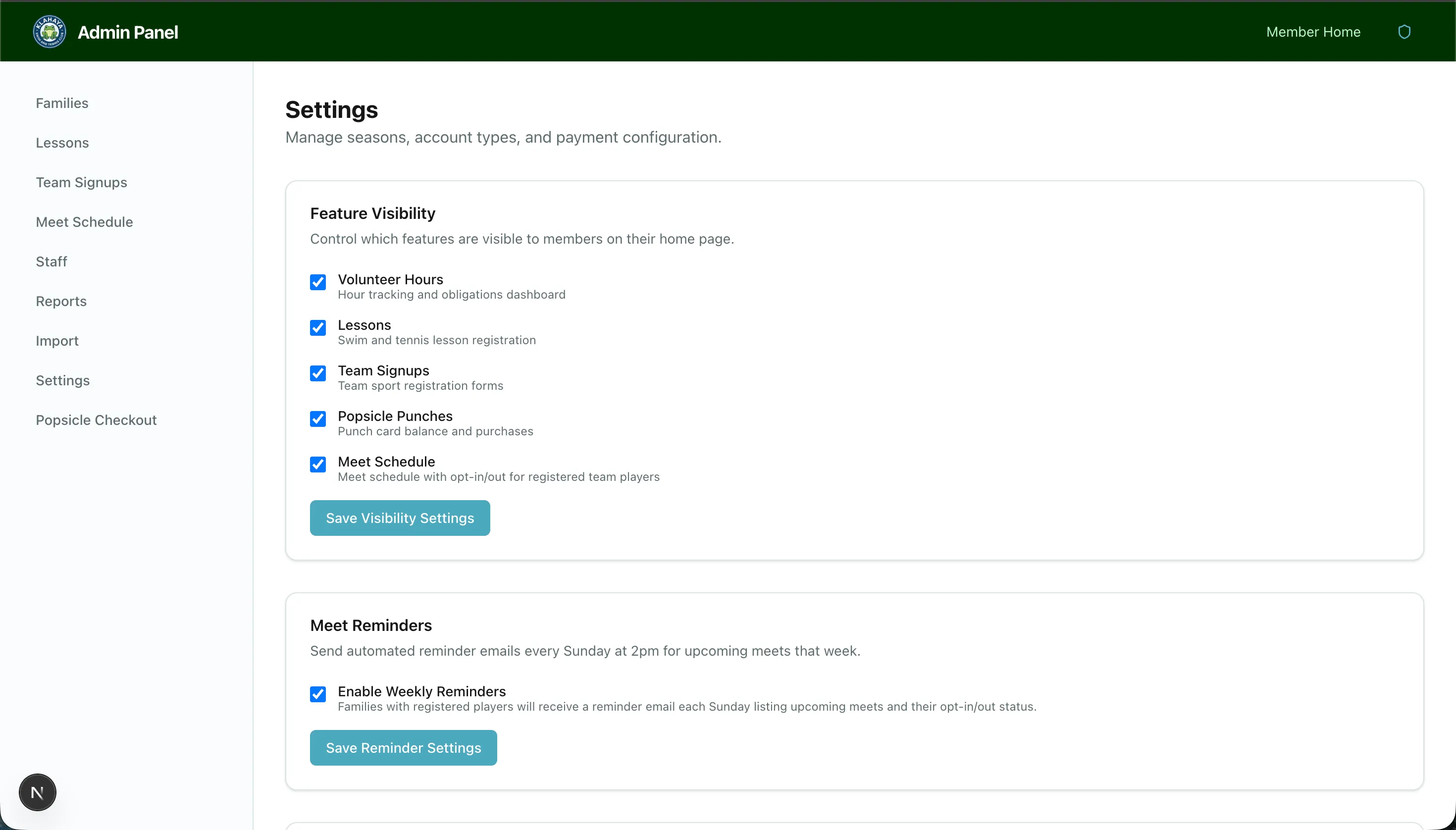
Section titled “Creating a Season”- Navigate to Admin > Settings
- Find the Seasons section and click Create Season
- Configure:
- Season name (e.g., “Summer 2025”)
- Start and end dates
- Buyout rate — Dollar amount per unfulfilled hour
- Save the season
Setting Hour Requirements
Section titled “Setting Hour Requirements”After creating a season, set the base volunteer hours for each account type:
- In the season settings, find Account Type Hours
- Set the base hours for each account type (e.g., General = 50, Emeritus = 10)
Activity Types
Section titled “Activity Types”Add activity types that carry additional hour requirements:
- Click Add Activity Type
- Enter the activity name (e.g., “Swim Team”) and additional hours required
- Families enrolled in that activity will have those hours added to their base requirement