

Creating Meets
Meet events are scheduled competitions linked to a team signup form and season.
Creating a Meet
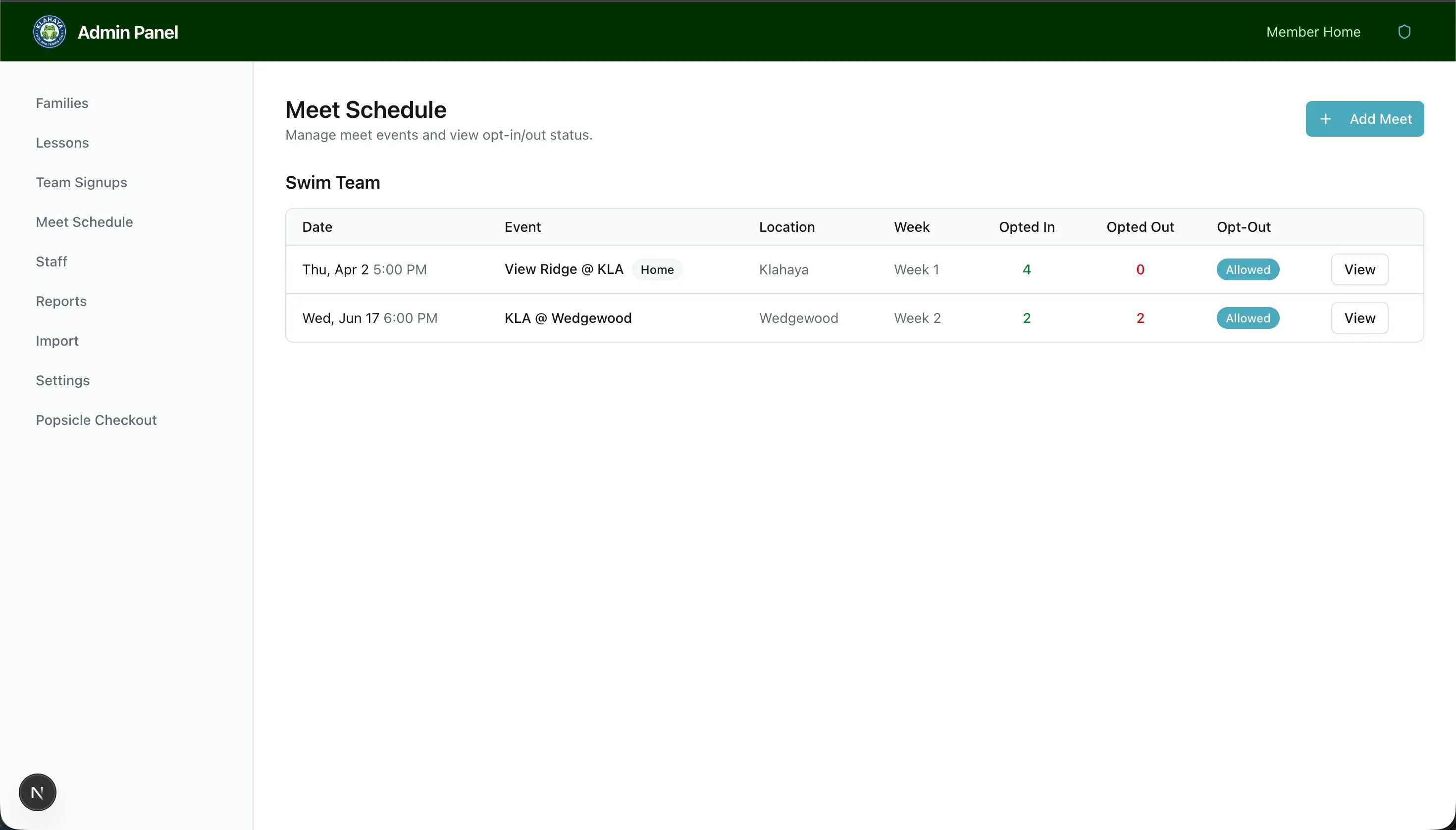
Section titled “Creating a Meet”- Navigate to Admin > Meet Schedule
- Click Add Meet
- Fill in the meet details:
- Title (e.g., “Week 1 vs. Highlands”)
- Team — Which sport/team this meet is for
- Season — The associated season
- Date and time
- Location
- Home/Away — Toggle to indicate if it’s a home or away meet
- Week label (optional) — For organizing meets by week
- Allow opt-outs — Whether members can opt their players out
- Description (optional) — Additional details
- Save the meet
Editing a Meet
Section titled “Editing a Meet”Click on any meet from the schedule to edit its details. All fields can be modified after creation.
Deleting a Meet
Section titled “Deleting a Meet”Click the delete button on a meet to remove it. This also removes all associated opt-out records.