

Waitlist Configuration
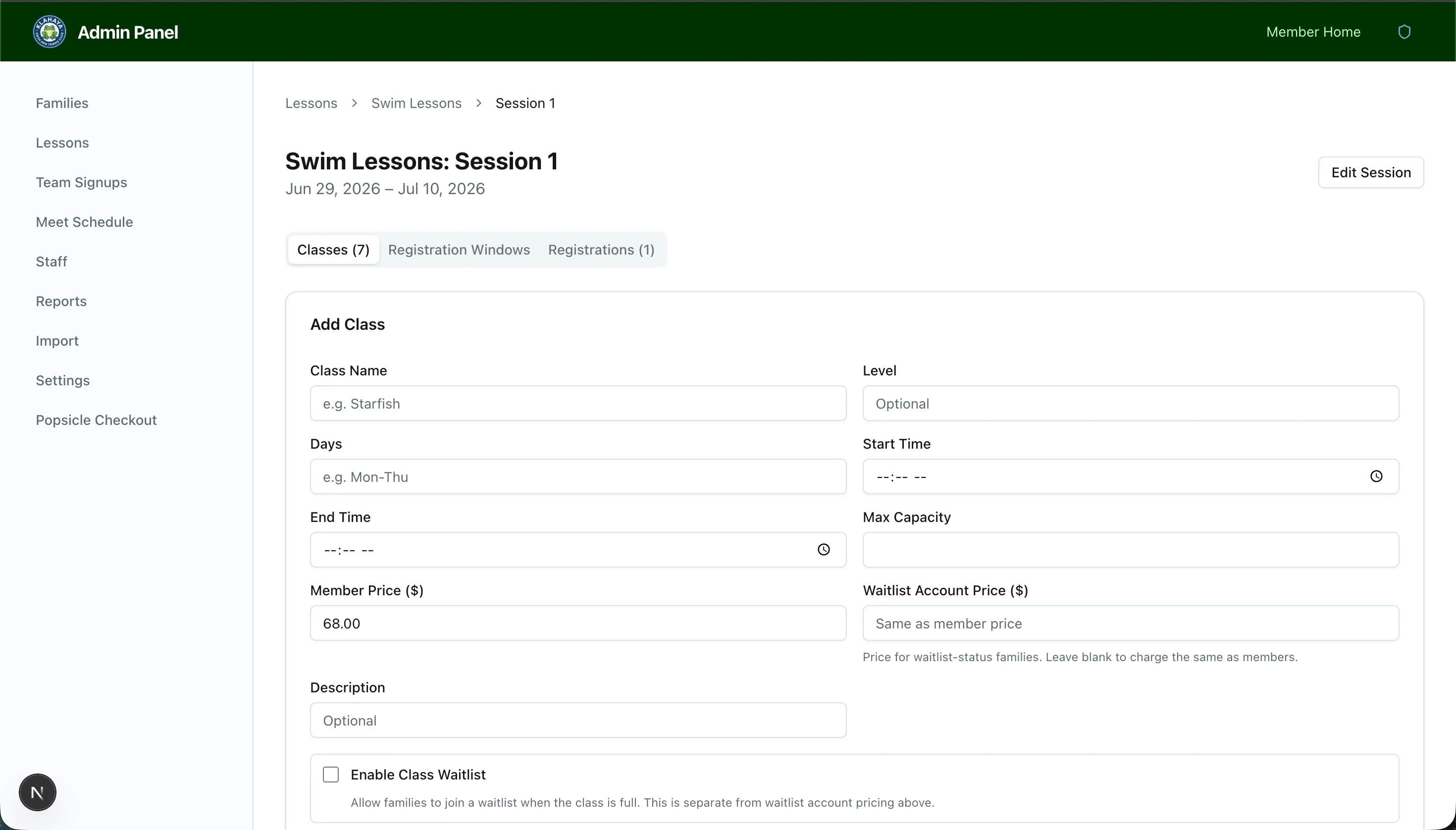
Each class can optionally have a waitlist. When enabled, members can join a queue when the class is full.
Enabling the Waitlist
Section titled “Enabling the Waitlist”When creating or editing a class:
- Toggle Enable Waitlist to on
- Optionally enable Auto-advance on cancellation
Auto-Advance Mode
Section titled “Auto-Advance Mode”- On — When someone cancels, the next person on the waitlist automatically receives an email offer with a 24-hour window to accept
- Off (default) — Admins manually send offers from the Registrations tab, giving you full control over who gets offered a spot
Managing the Waitlist
Section titled “Managing the Waitlist”From the session’s Registrations tab, you can:
- View the waitlist — See who is waiting, in order
- Send an offer — Manually email the next person in line (when auto-advance is off)
- Register Now — After a session starts, directly promote a waitlisted member without sending an email offer
Offer Expiry
Section titled “Offer Expiry”Waitlist offers expire automatically after 24 hours. An hourly cron job processes expired offers and cascades to the next person in line.