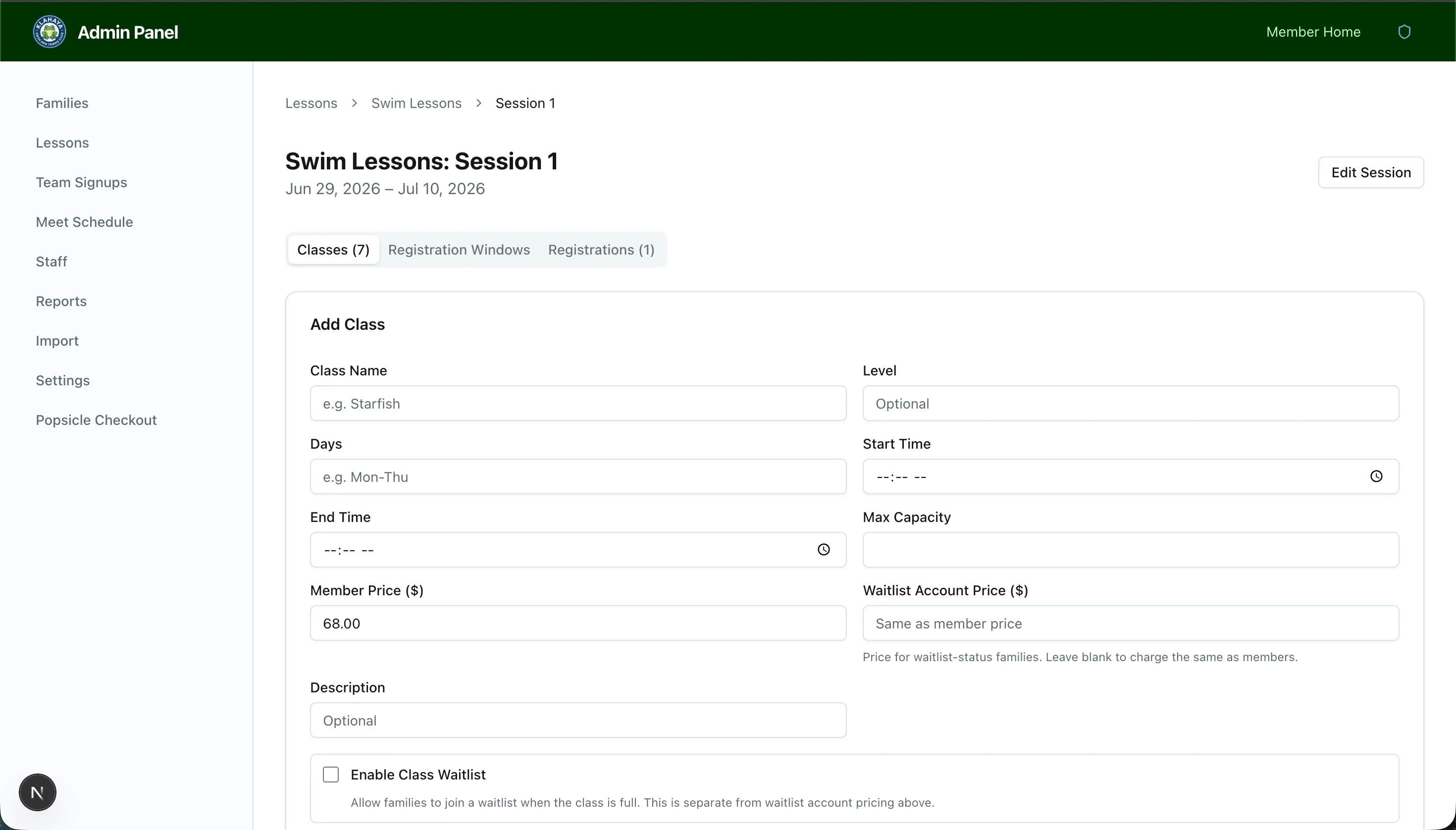
Registration Windows
Registration windows control when each account type is allowed to start registering for lesson classes. This lets you give certain account types early access.
How It Works
Section titled “How It Works”Each session can have registration windows configured per account type. For example:
- Board members — Registration opens May 10 at 8:00 AM
- General members — Registration opens May 17 at 8:00 AM
- Emeritus members — Registration opens May 17 at 8:00 AM
Configuring Windows
Section titled “Configuring Windows”- Navigate to the session (via Admin > Lessons > Program > Session)
- Find the Registration Windows section
- For each account type, set:
- Opens at — Date and time when registration becomes available
- Save your changes