Programs & Sessions
Lesson management is organized in a hierarchy: Programs contain Sessions, which contain Classes.
Creating a Program
Section titled “Creating a Program”- Navigate to Admin > Lessons
- Click Create Program
- Enter the program name (e.g., “Swim Lessons”, “Tennis Lessons”)
- Save the program
Managing Sessions
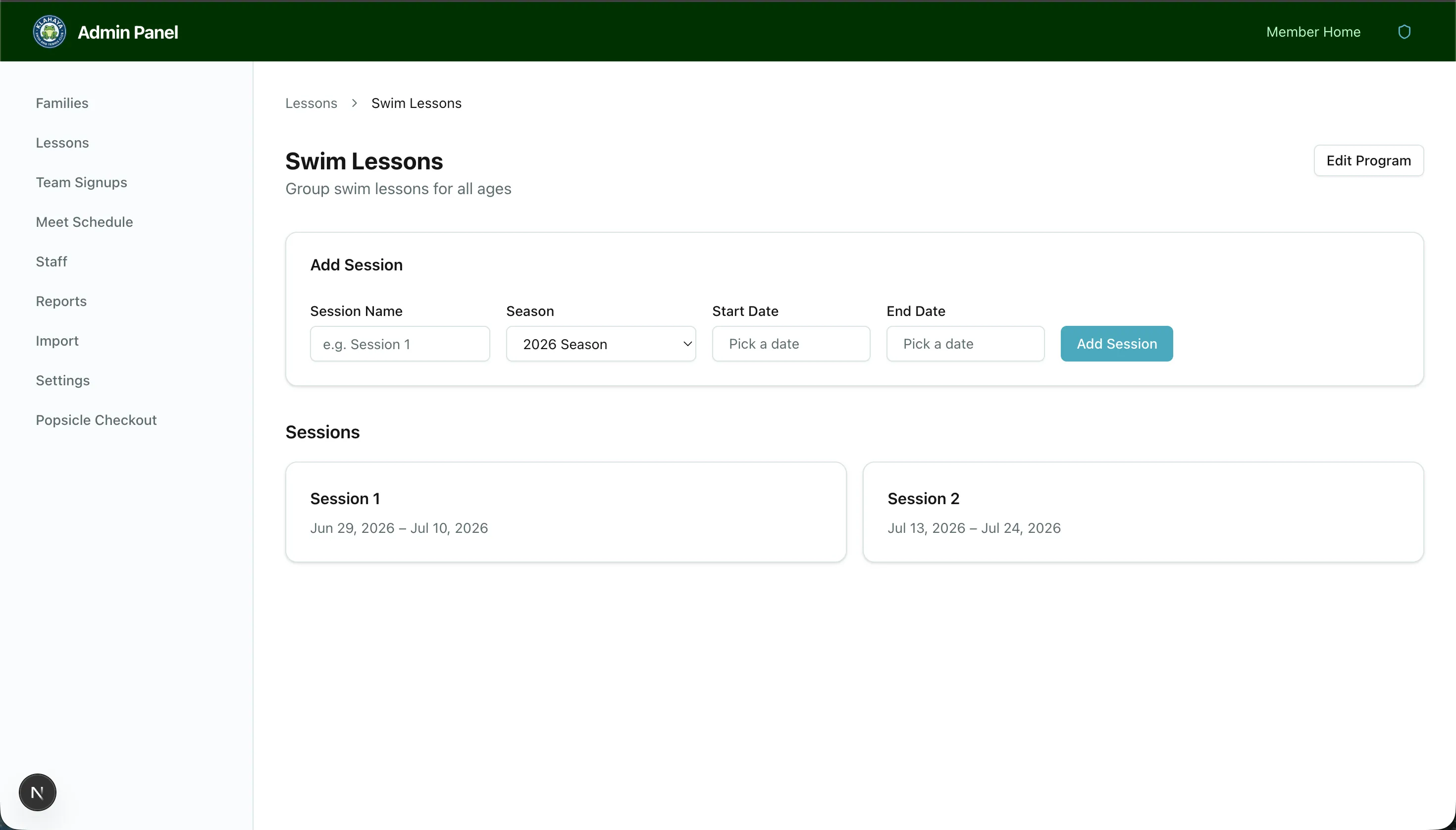
Section titled “Managing Sessions”- Click on a program to view its sessions
- Click Add Session to create a new session within the program
- Configure the session:
- Session name (e.g., “Summer 2025 - Session 1”)
- Start and end dates
- Linked season
- Save the session