Admin Getting Started
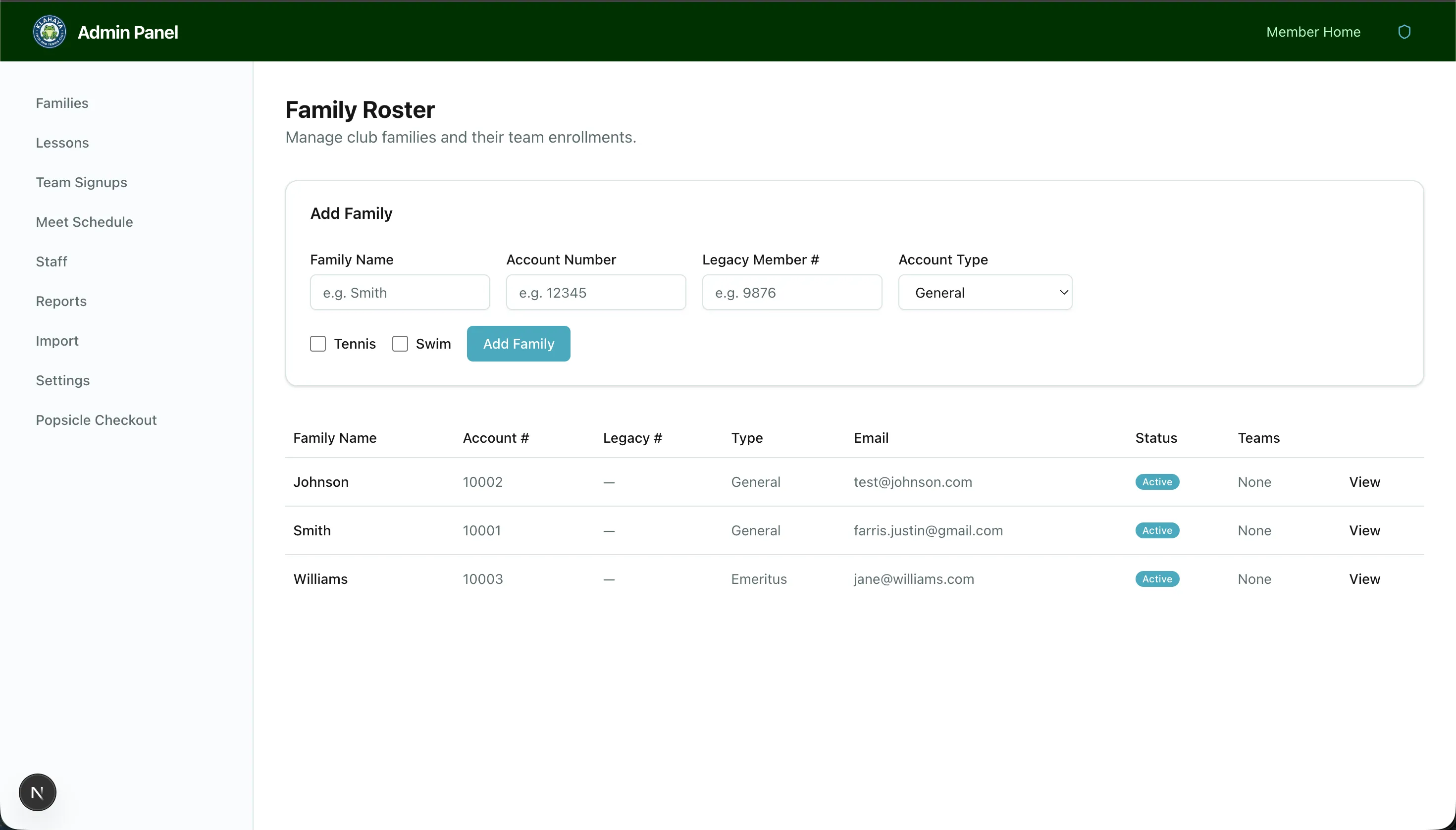
The admin panel is available to users with the admin role. It provides full control over families, lessons, team signups, meet schedules, reports, and app settings.
Accessing the Admin Panel
Section titled “Accessing the Admin Panel”After logging in, admins are automatically directed to the admin panel. You can also access it via the navigation menu.
Admin Panel Overview
Section titled “Admin Panel Overview”The admin panel includes these sections (accessible from the sidebar):
- Families — View, create, and manage member family accounts
- Lessons — Configure lesson programs, sessions, classes, and waitlists
- Team Signups — Set up team registration forms and view registrations
- Meet Schedule — Create meet events and manage rosters
- Reports — Volunteer hour reports with filtering and CSV export
- Settings — Season configuration, account types, feature visibility, and payment settings
- Import — Bulk CSV import of members from MemberSplash
- Staff — Invite and manage staff/admin users