

Viewing Families
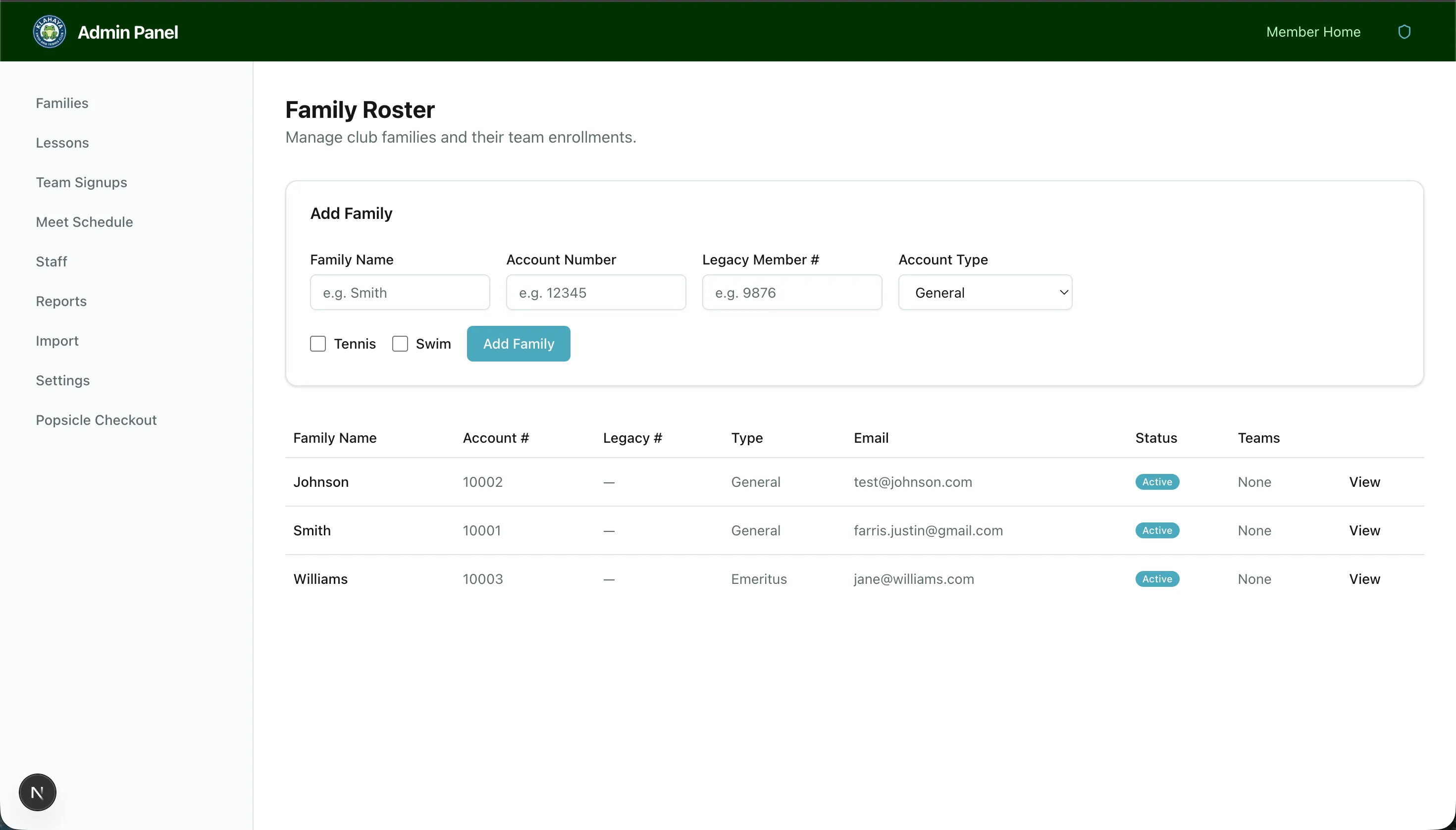
The Families page shows all registered families in the system with their current season status.
Family Roster
Section titled “Family Roster”Navigate to Admin > Families to see:
- Family name and account number
- Account type (General, Emeritus, Board, etc.)
- Hours logged for the current season
- Activity enrollments (Swim, Tennis, etc.)
Searching
Section titled “Searching”Use the search bar at the top to filter families by name or account number.