

Data Import
The CSV import feature lets you bulk-create families and member profiles from a MemberSplash export or custom CSV file.
How to Import
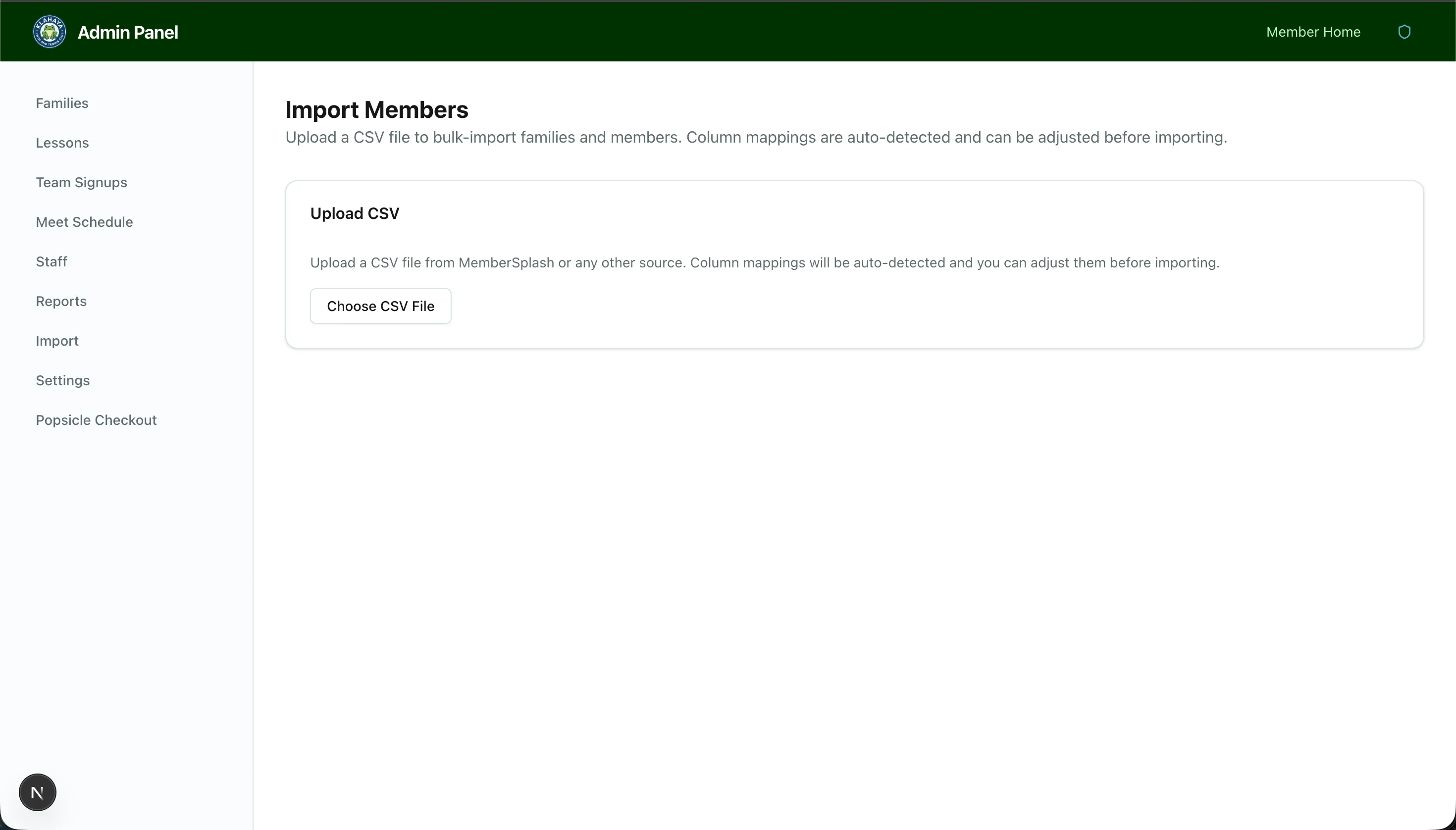
Section titled “How to Import”- Navigate to Admin > Import
- Click Upload CSV and select your file
- The system auto-detects column mappings based on header names
- Review and adjust any mappings as needed:
- Account Number
- First Name, Last Name
- Member ID, Photo URL (optional)
- Account Type (optional)
- Preview the data to verify it looks correct
- Click Import to process
What the Import Does
Section titled “What the Import Does”- Creates new families keyed by account number
- Upserts members — updates existing profiles/invitations by email or member_id
- Assigns account types per season (if the column is mapped)
- Stores member_id and photo_url from MemberSplash